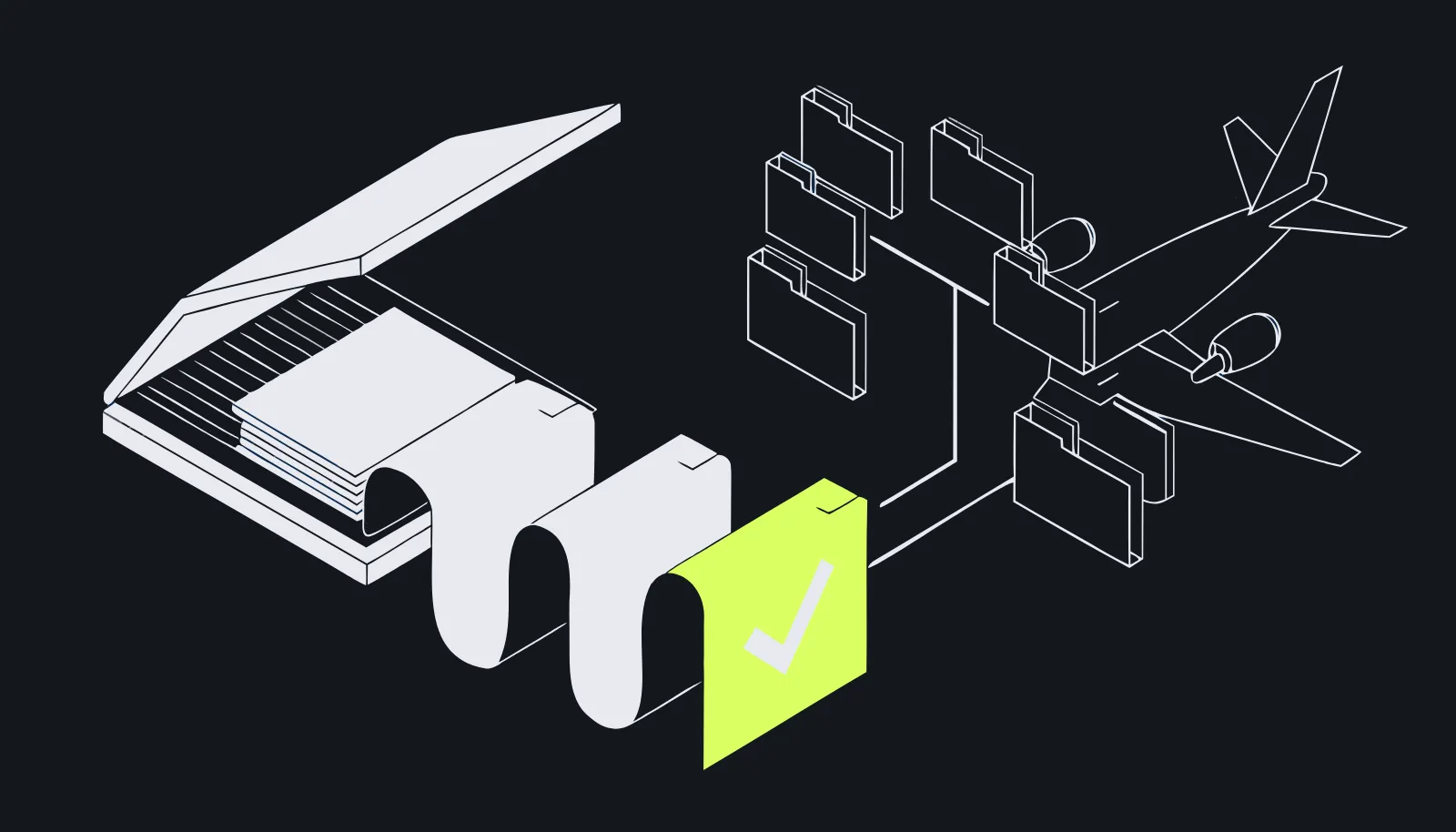
Every upload is read
OCR extracts the text, AI writes the summary and suggests the item and the record role. A person accepts. The card refreshes live when processing completes.
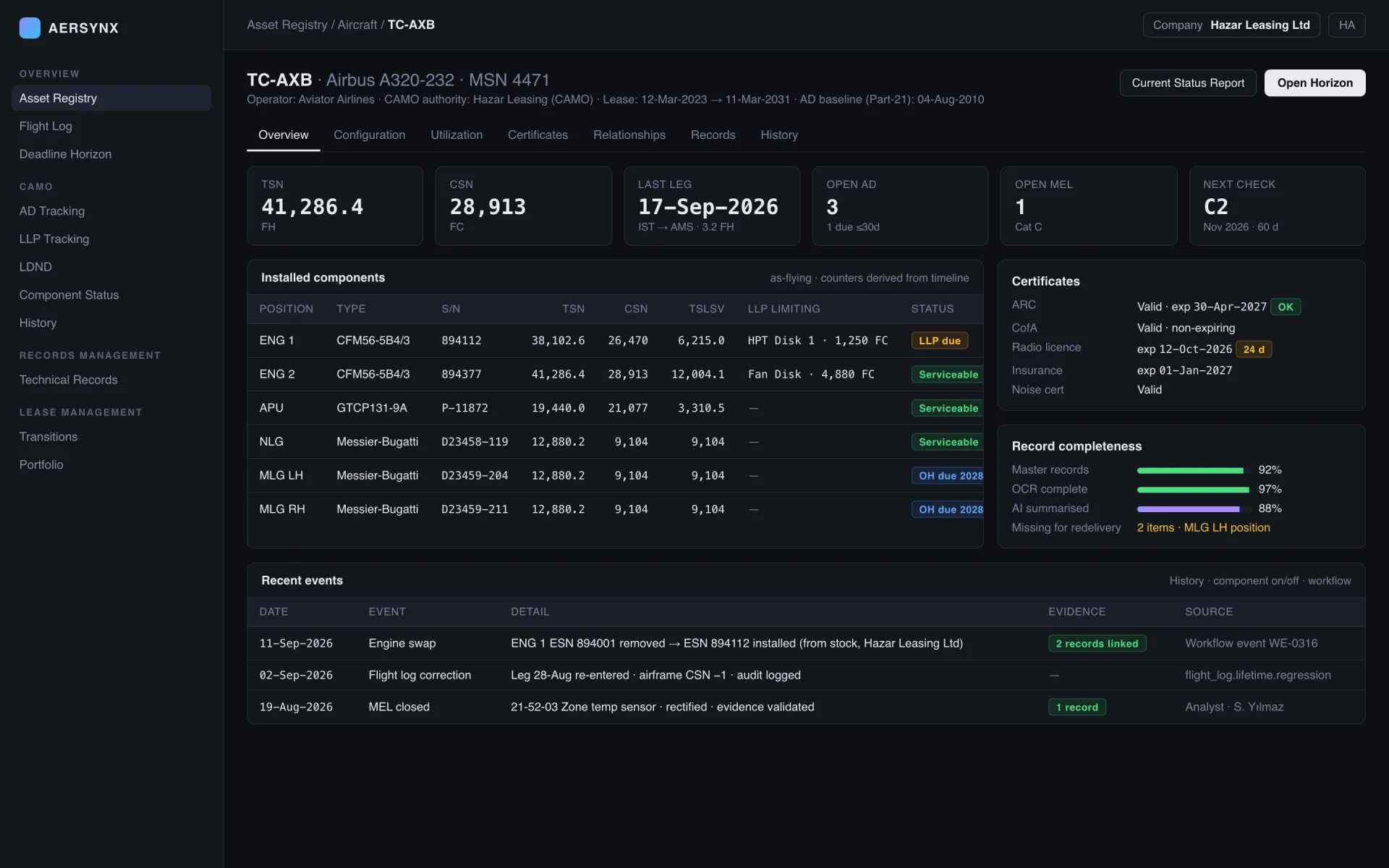
Aircraft technical records management with OCR and AI summaries, attached to the aircraft, engine or component they belong to, and used as the evidence that closes critical events.
For the records officer who is asked "where is the Form 1", and the analyst who has to trust the answer.
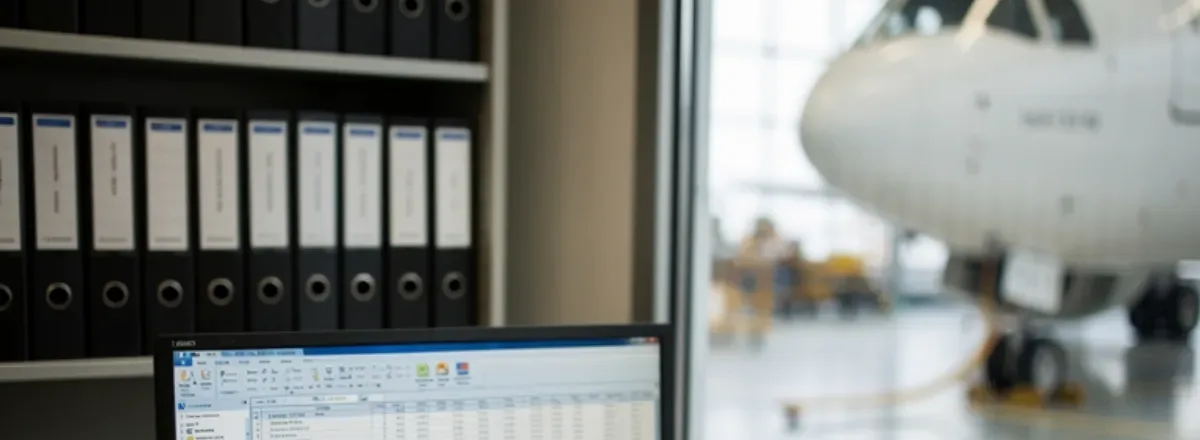
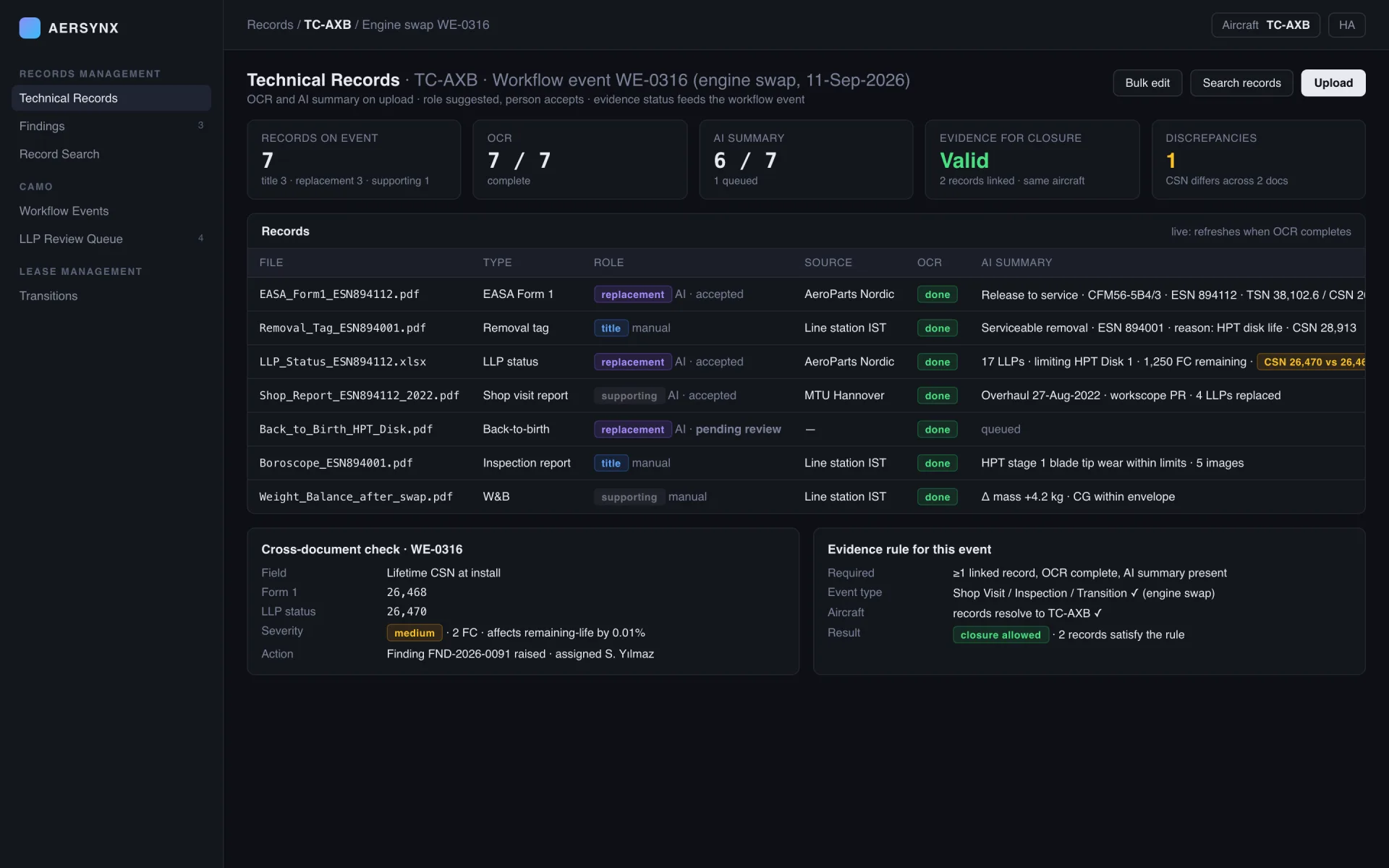
OCR extracts the text, AI writes the summary and suggests the item and the record role. A person accepts. The card refreshes live when processing completes.
The record that closes a swap or a MEL item is validated on the server: OCR complete, summary present, right event type, same aircraft.
Values extracted from the records on one workflow event are compared against each other; a discrepancy becomes a finding with a severity.
Five states, one document. The person decides in the middle; the server checks at the end.
EASA_Form1_ESN894112.pdfdropped on workflow event WE-0316text extracted · indexedinline for small files, queued for largerole: replacement · item: ENG 1summary written, fields proposedaccepted · source: manualthe person commits; the origin is stored2 records linked · same aircraft ✓validated on the serverengine swap closed · auditedcannot happen without the step before—Upload, OCR, AI summary and classification for every aircraft record. Small files are read inline, large ones queued three at a time. AI suggests the item the record belongs to and its role (title, replacement, supporting); a person accepts. The card refreshes live when processing completes, and bulk edit moves records between items with their findings.
Swaps, overhauls, shop visits and MEL rectification cannot complete without a linked record that is OCR-complete, AI-summarised, attached to an allowed event type and resolving to the same aircraft. The rule is enforced on the server with structured error codes, not by a checkbox on a form.
| Module | Primary job | Signals |
|---|---|---|
| Technical Records | Upload, OCR, AI summary | OCR + AI summaryrole suggested, person accepts |
| Findings | Findings tied to records | tied to the recordmoves with it |
| Record Search | Full text across the fleet | full text across fleetAI rerank, safe fallback |
| Evidence | Server-enforced closure rule | server-enforcedstructured error codes |
Upload, OCR, AI summary and classification for every aircraft record. Small files are read inline, large ones queued three at a time. AI suggests the item the record belongs to and its role (title, replacement, supporting); a person accepts. The card refreshes live when processing completes, and bulk edit moves records between items with their findings.
CAMO findings tied to the records that raised them. If the record moves to another item, the finding moves with it. Gaps from the AD monitor and discrepancies from cross-document comparison arrive here as well.
Full text over file names, extracted text and item titles across the fleet, reranked by AI when the provider is available and falling back to plain search when it is not. The answer to 'where is the Form 1' takes seconds, not a folder walk.
Swaps, overhauls, shop visits and MEL rectification cannot complete without a linked record that is OCR-complete, AI-summarised, attached to an allowed event type and resolving to the same aircraft. The rule is enforced on the server with structured error codes, not by a checkbox on a form.
The questions this workspace gets asked most often.
It is the library of the documents that prove an aircraft's condition and history — release certificates, work packs, delivery reports, component paperwork — held against the aircraft, engine or component they belong to rather than in a folder tree. The test is not whether the file is stored; it is whether somebody can find it during an audit.
Every upload is put through OCR and then an AI pass that produces a summary, a classification and a suggested record role. Large files are queued rather than dropped. The reading is a suggestion to a person, not a decision: extracted data reaches master records only when an analyst commits it.
Attachment alone is not evidence. To close a critical event, a linked record must have finished OCR, carry an AI summary, be attached to an event of a type that module accepts, and resolve to the same aircraft. The checks run on the server, so a record that fails them is refused with the reason rather than silently accepted.
They are compared. Records attached to the same workflow event are read against each other, and a discrepancy — a serial number, a date, a counter that does not match — is raised as a finding instead of waiting for a redelivery inspector to notice it.
Bring a folder from one engine change. We upload it, let OCR and AI do their pass, and show which records satisfy the evidence rule and which do not.